Resume — replay, then keep recording
Click Resume (replay then record) to add steps to an existing test without re-recording it. Trq replays all prior steps from step 1, and once it reaches the end it switches into recording mode so you can continue from exactly where the flow left off. Click Stop recording to finalize the appended steps.
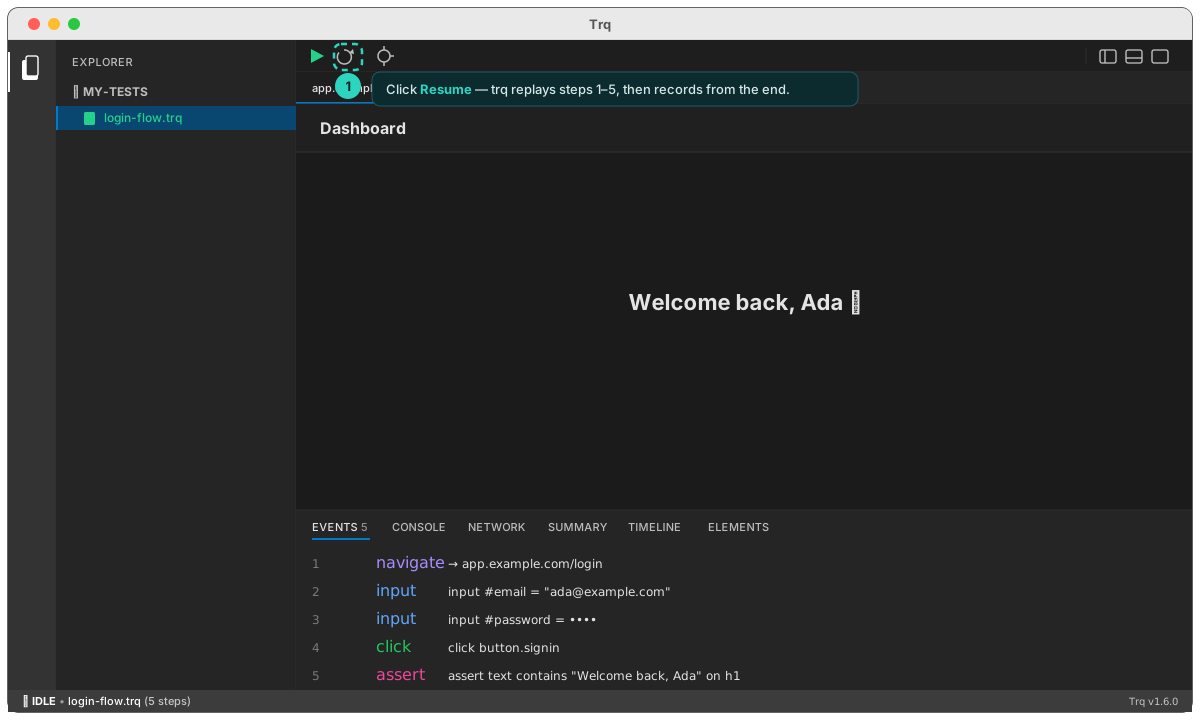
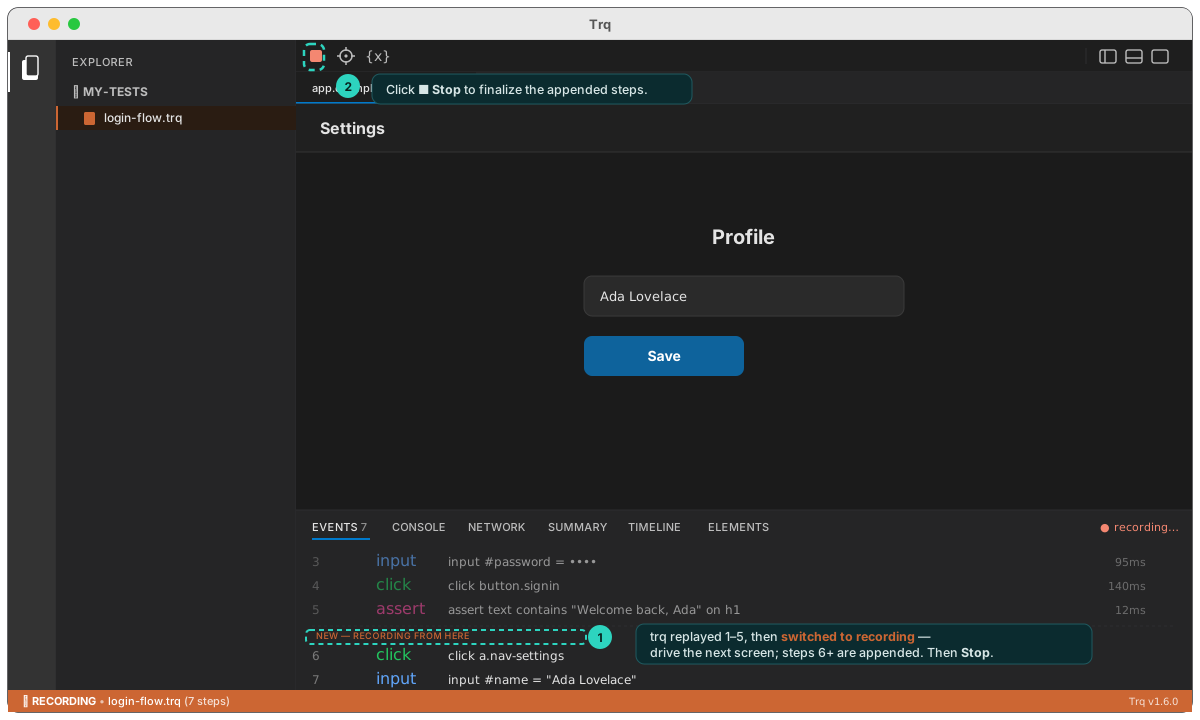
This is the idiomatic way to grow a test — record the login once, then Resume to tack on the next screen.