Playing back
Click Play. Trq:
- Clears browser state (cookies, localStorage, sessionStorage, IndexedDB, caches, service workers).
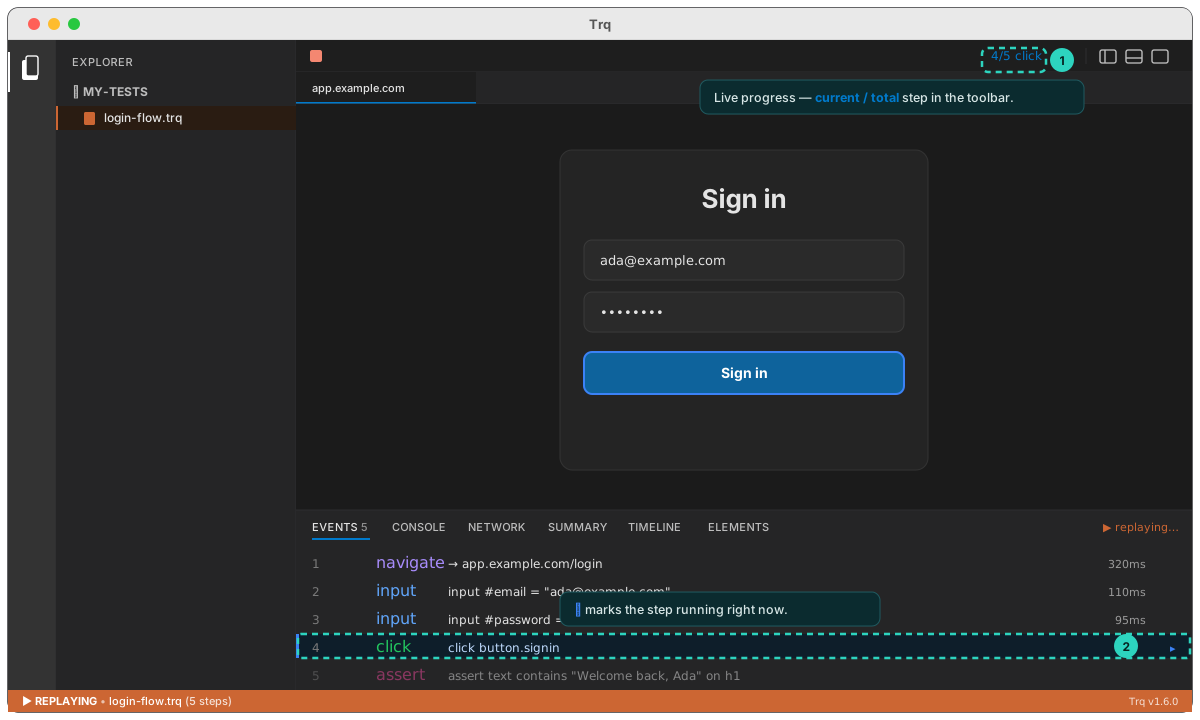
- Replays every step from step 1, showing live progress (
3/12 click) in the toolbar. - Captures a viewport screenshot per step for the Timeline (a full-page screenshot is captured only on failure, for context).
- Stops at the first failure, or completes the run.
When a step fails
Replay pauses with a banner — ⚠ Step 5/12 · <reason> — and the toolbar offers:
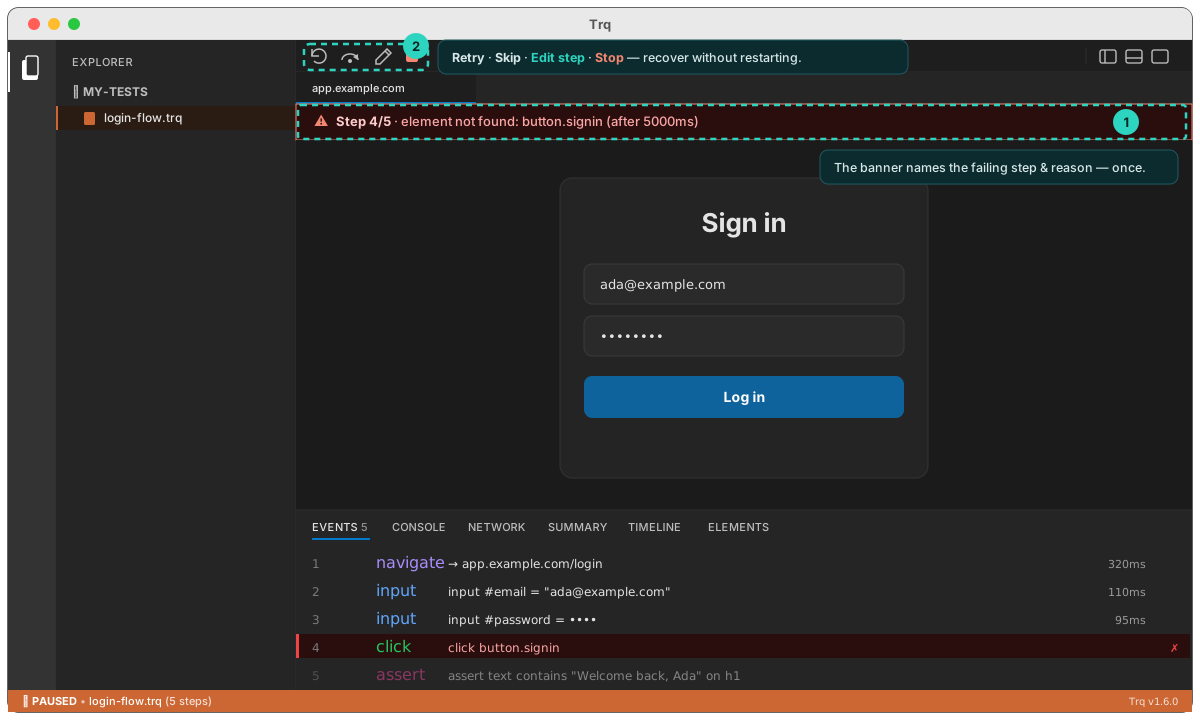
- Retry — re-run the step (it reads the freshest version from disk, so you can edit first).
- Skip — mark it skipped and continue.
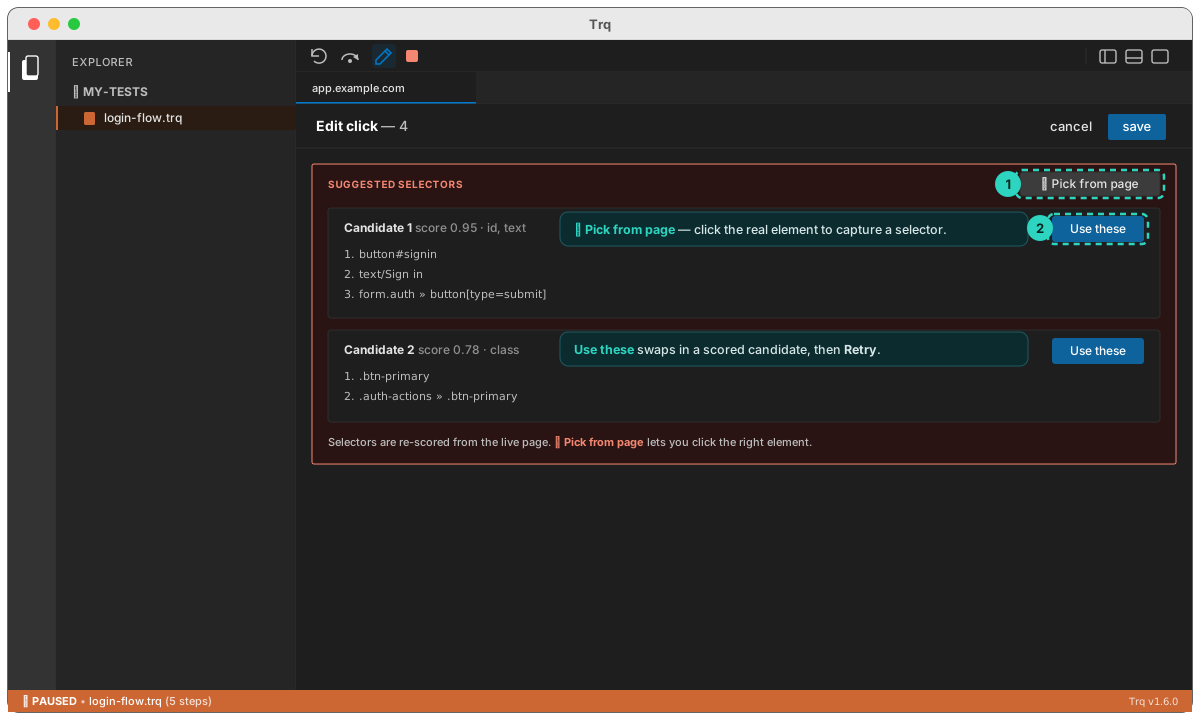
- Edit step — open the Edit drawer on the failed step. Trq suggests fresh selectors scored from the live page, and Pick from page lets you click the correct element to capture a new selector.
- Stop — abort the run.