Resume — replay, then keep recording
Resume replays a mobile session from step 1, then — instead of stopping — drops straight back into recording mode at the end, with the app exactly where the flow left it. It's how you extend a test without re-recording it.
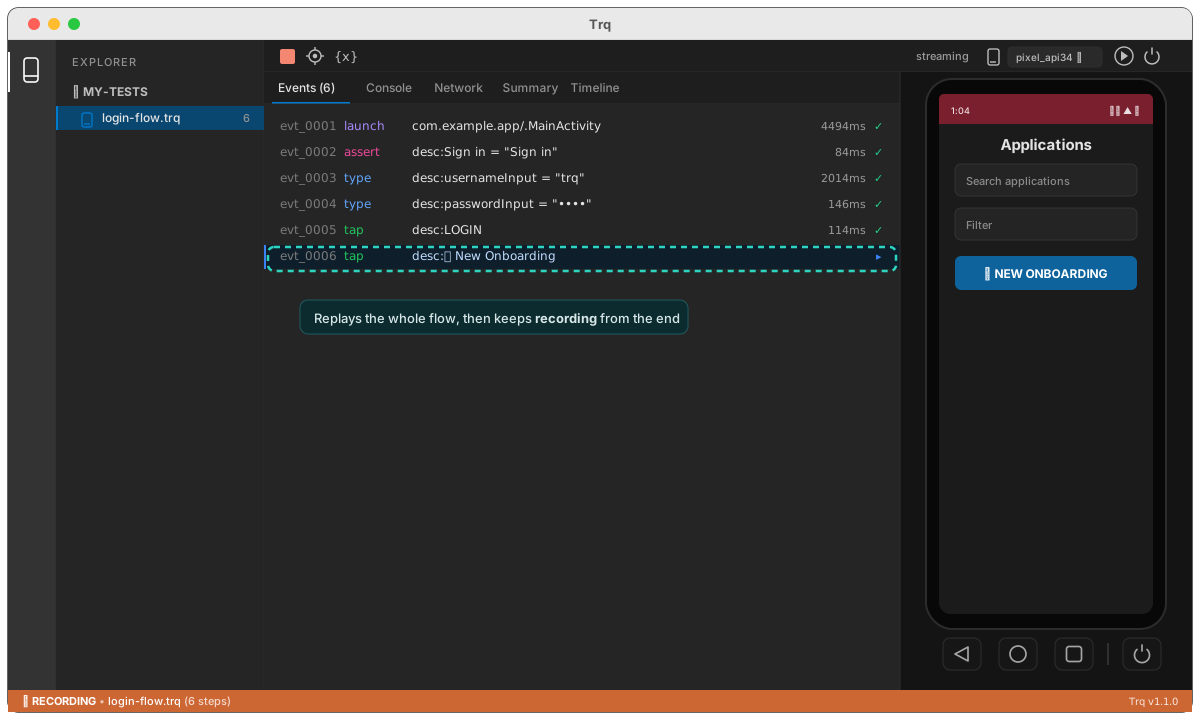
Use it when you've added a screen to a flow: Resume the existing test, perform the new steps, and Stop. The new steps append to the session. To insert steps in the middle of a flow instead, see record steps in the middle.