Recording
Click ● Record on a mobile session and drive the device. While recording, Trq captures:
- Taps — resolved to the element you touched, saved as a ranked selector ladder.
- Typing — text goes to the focused field, even one that auto-focused without a tap (e.g. a password screen).
- Gestures — swipe / scroll (carousels, lists, pull actions) and long-press (context menus, drag handles).
- App launch — the first step launches the app you name; tapping an app icon mid-flow is captured as a launch too.
- Form controls — checkboxes, switches, and radio buttons toggle to the recorded state on replay.
- Assertions and captures you author inline (below).
Every action becomes a step in the Events panel, colour-coded by type.
Selectors that self-heal
Trq never pins a tap to a single locator. It saves each element as a ranked ladder of selectors — most stable first:
resource-id → content-desc → text → desc-contains → text-contains → class
On replay, Trq tries them in order and uses the first confident match, so a step survives a screen that changed since you recorded it. When an element has no stable identity, Trq falls back to a coordinate tap (and records the device resolution so the coordinate scales to other screen sizes). You can reorder or prune the ladder later in the Edit drawer.
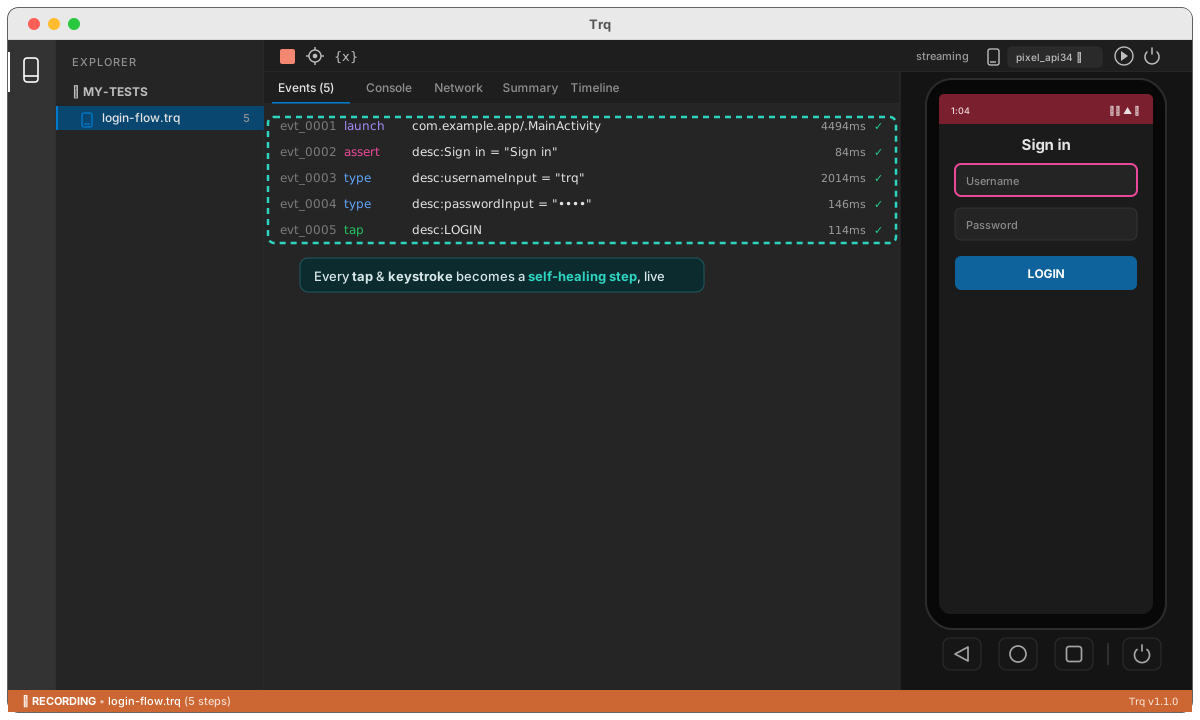
Passwords are recorded as their actual value (stored in the session bundle) so replay needs no prompts. Treat .trq files that contain credentials accordingly.
Assert & capture
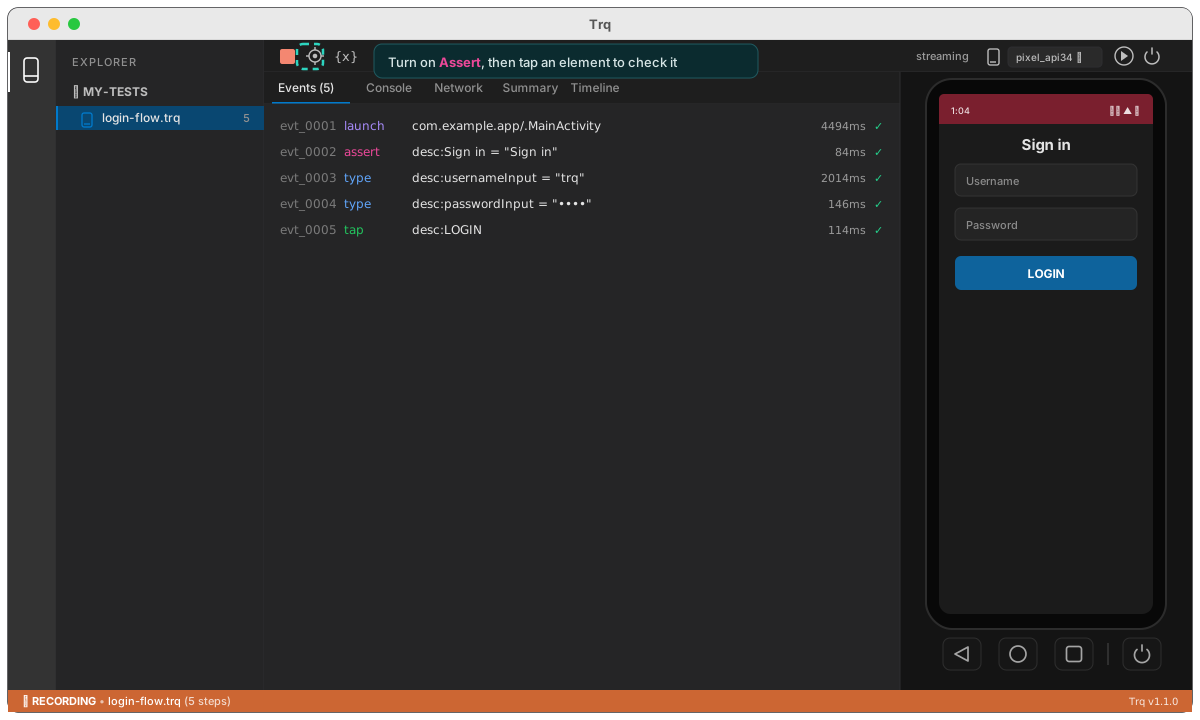
While recording, the toolbar has Assert ✛ and Capture {x} toggles (next to Stop). Turn one on, then tap the element you want — the tap isn't delivered to the app; it's used to pick the element.
- Assert records an
assert_textstep. It checks the element's text —contains,equals, or aregex— or a checkbox/switch's checked state. Read-only fields (like an OCR-populated value) are assertable too. - Capture reads the element's text into a variable. Name it, and reference it later as
{{var.NAME}}— only the instruction is saved, so it always reflects the current run. See variables.
Gestures
A drag past a small threshold is captured as a swipe (with its start/end and duration); a press-and-hold becomes a long-press. Both are re-driven on replay so lists scroll and context menus open exactly as they did while recording. See also reliability for how Trq scrolls an off-screen target into view automatically.