Session metadata
Give a session a friendly identity from the Metadata drawer (press ⌘, / Ctrl+,, or right-click the session → Edit Metadata…):
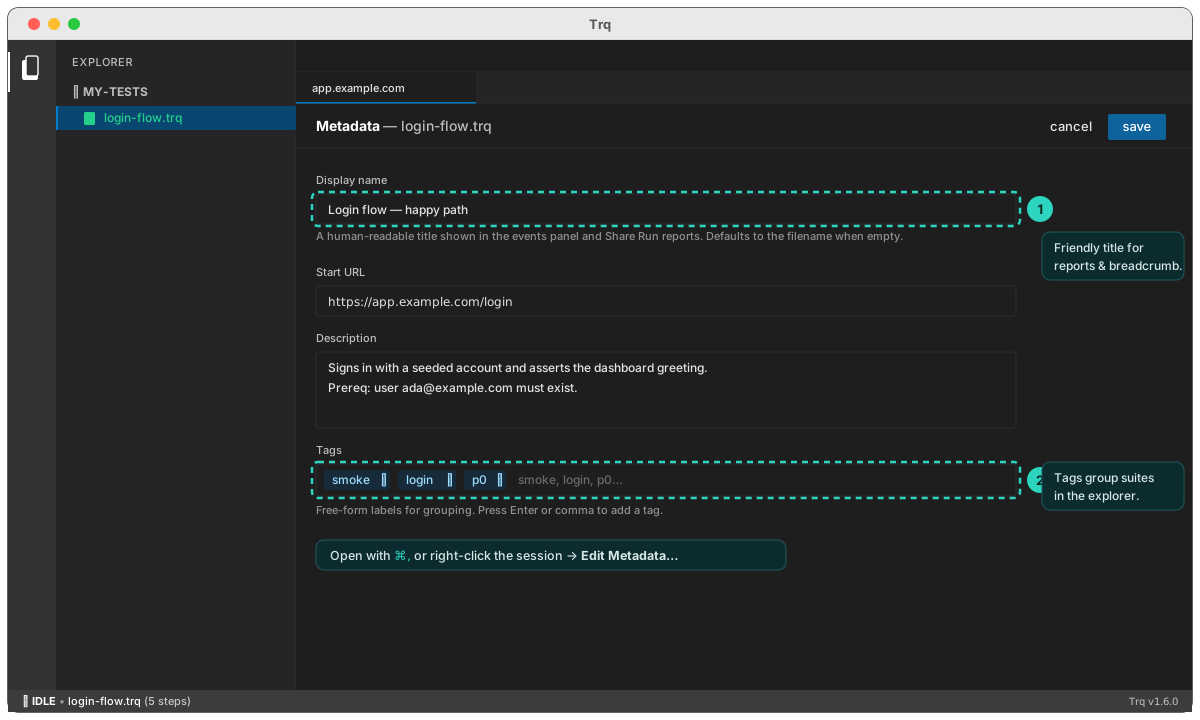
- Display name — a human title shown in the events breadcrumb, Summary, and shared reports.
- Description — what the test does, prerequisites, gotchas.
- Tags — free-form labels for grouping (press Enter or comma to add).
Tags and sub-folders are how you organize suites in the explorer.